How to store cryptocurrency safely: hot vs. cold wallets explained
Contents
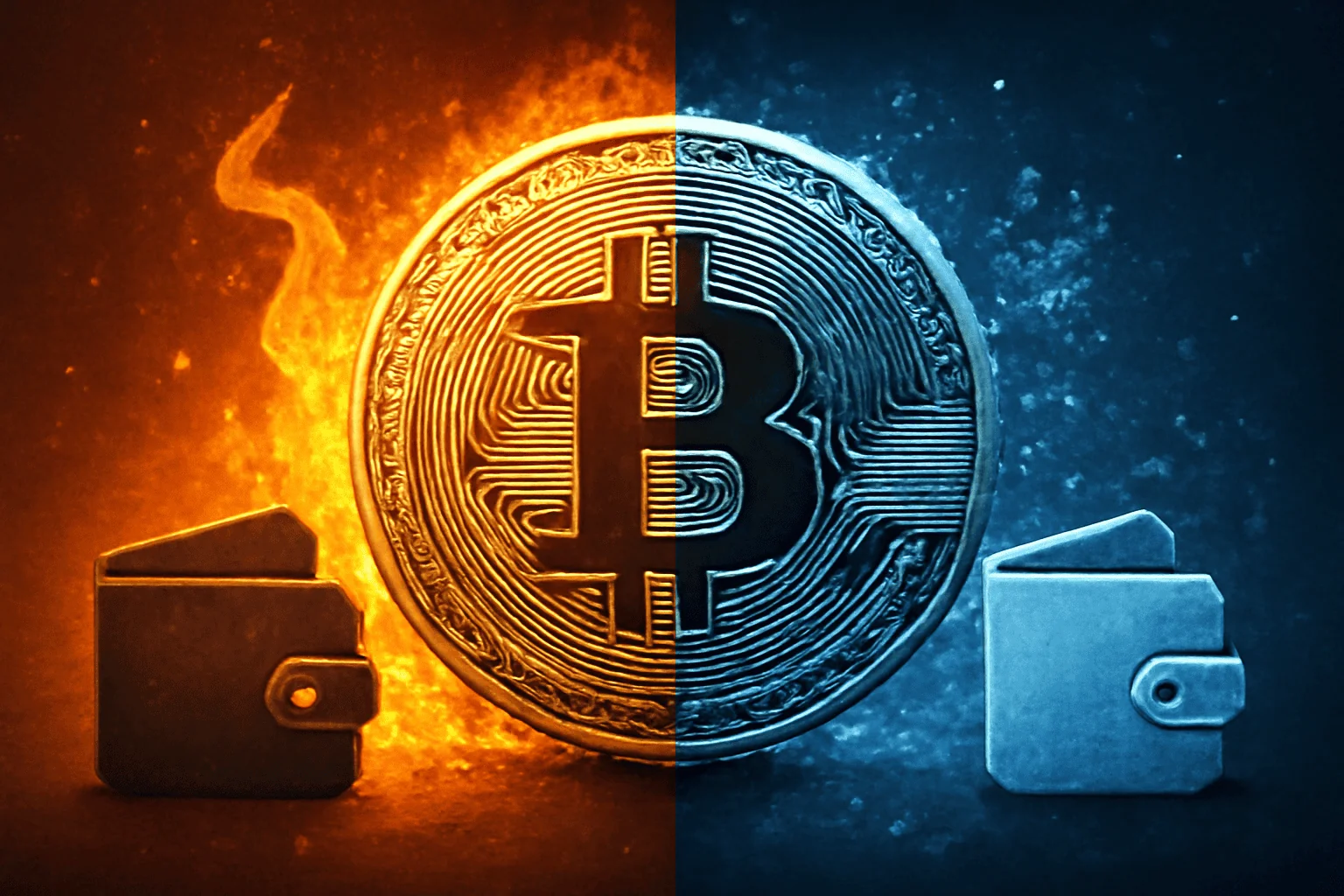
When you own crypto, security starts with how you store it. The goal is simple: keep your private keys out of reach from hackers while still allowing you to access funds when needed. The choice between hot and cold wallets isn’t a moral stance; it’s a practical balance between convenience and protection.
What hot wallets are and when to use them
Hot wallets run on devices connected to the internet. They’re convenient for quick trades, transfers, or spending. But that online connection introduces risk. Even well-known exchanges experience breaches, so you should treat hot storage as a temporary spot for assets you actively use.
Reliable hot-wallet options
Hot wallets come in several flavors. Desktop wallets live on your computer; mobile wallets live on your phone; and web wallets run in a browser. Each has trade-offs in security and usability. A practical approach is to use a reputable wallet with strong encryption, backup phrases, and optional hardware backups.
For example, a trader might keep a modest balance in a mobile wallet for daily purchases or micro-transfers, while moving the bulk of funds to a cold storage solution. This keeps access fast, without exposing all assets to online threats.
What cold wallets are and when to choose them
Cold wallets are offline by design. They don’t connect to the internet, which makes unauthorized access far less likely. They’re ideal for long-term storage or large holdings you don’t need to access daily. The trade-off is friction: every transfer requires extra steps to sign and broadcast the transaction.
Common cold-wallet formats
Cold storage can take several forms. A hardware wallet resembles a small device that stores private keys offline. A paper wallet is a printout or written record of your keys. A dedicated air-gapped computer or USB drive can also serve as a cold-storage solution, kept in a safe place.
Hardware wallets are the most popular cold-option for many users. They combine a small screen, a PIN, and a recovery seed to recover access if the device fails. Paper wallets are inexpensive but demand meticulous handling and secure storage against water, fire, and loss.
How to decide between hot and cold storage
The right approach blends both. Use hot wallets for liquidity and cold wallets for longevity. A common rule is “keep the minimum necessary in hot storage and move the rest to cold storage.”
Assess your goals, access needs, and risk tolerance. If you frequently trade, a hot wallet is essential. If you’re protecting a large stack of coins as a long-term investment, cold storage makes sense. The key is clear procedures for moving funds between the two.
Practical steps to store cryptocurrency safely
The following steps outline a disciplined workflow that reduces risk. Start with a small, test transfer when you set up a new storage method. Then, scale gradually as you gain confidence.
- Audit your holdings. List all assets, their amounts, and where they live today. This helps you plan transfers and avoid surprises.
- Choose a primary cold-storage method for the bulk of your assets—hardware wallet or offline paper solution. Ensure you own the recovery seed or backup phrase and store it securely.
- Set a strong, unique PIN and enable biometric or passphrase protection where available. Use a different passphrase for each device or wallet if possible.
- Create multiple backups of recovery seeds. Store them in geographically separated, highly secure locations (for example, in a safe deposit box and a trusted, fireproof safe).
- Keep your software up to date. For hot wallets, install only official updates from the developer. Disable unnecessary features that could introduce risk.
- Consider a layered approach. Small, liquid amounts in hot wallets; the rest in cold storage. This minimizes both risk and friction during normal use.
- Use multi-signature where available. Requiring several keys to sign a transaction adds protection in case one device is compromised.
- Test recovery procedures. Simulate a seed-phrase restore and ensure you can access funds without the original device.
- Educate household or trusted partners. Share a high-level plan for what to do if you’re unavailable, without divulging sensitive details.
- Maintain physical security. Store hardware wallets in tamper-evident bags, and keep backup phrases in a safe place away from curious hands.
By following these steps, you create a resilient storage setup that stands up to common threats—from malware on a PC to a stolen device. Start small, verify, then expand. Your future self will thank you.
Best practices for secure access and recovery
Access controls and recovery readiness form the backbone of safe storage. A breach often isn’t the wallet’s fault; it’s user exposure or weak recovery practices. Tighten both to keep your holdings safe.
- Never disclose your seed phrase or private keys. Treat them as the keys to a treasure chest and guard them accordingly.
- Avoid storing seeds in cloud storage or email. Anything online can be compromised. Physical backups win.
- Use a dedicated device for signing transactions where possible. A spare laptop with minimized apps is better than the main work machine.
- When travelling, consider temporarily reducing hot-wallet balances. Public networks and shared devices increase exposure to malware.
- Practice phishing awareness. Malicious links and fake apps are common attack vectors. Verify URLs and use official sources.
Security comparison: hot vs. cold wallets
Understanding the key differences helps you set the right expectations. Below is a concise comparison to guide decisions.
| Aspect | Hot wallets | Cold wallets |
|---|---|---|
| Connectivity | Online, via the internet | Offline |
| Security risk | Higher exposure to online threats | Lower risk for long-term storage |
| Convenience | Fast access for transfers and trades | Less convenient for frequent activity |
| Best use case | Liquidity and daily use | Long-term holding, large balances |
| Backup requirements | Smaller, accessible backups | Robust, multiple physical backups |
When you keep a portion of assets in a hot wallet, you gain speed without losing much protection elsewhere. The cold-storage strategy then shields the bulk from online threats. The balance is personal, but the method is universal: minimize online exposure for anything you don’t need immediately.
Common mistakes to avoid
Even seasoned holders slip up. Recognizing frequent missteps helps you stay on track and protect your portfolio over time.
- Storing seed phrases alongside your computer or in cloud notes. A single malware infection can steal both.
- Using the same password everywhere. If a site is compromised, attackers use the leaked credentials across services.
- Ignoring backups. A single seed backup stored in one place is a single point of failure.
- Not testing recovery. A seed phrase that’s never restored on a new device is not a real backup.
- Overreliance on a single device. A broken hardware wallet or lost phone can lock you out if you haven’t diversified backups.
Industry tips to stay ahead
Security evolves as threats evolve. Keeping an eye on best practices helps you stay ahead of opportunists and scams. A few practical tips go a long way.
- Rotate recovery seeds periodically if you’ve added new backups, and ensure your existing backups remain legible and secure.
- Use reputable vendors and verify device authenticity before purchase. Counterfeit hardware wallets are a real risk.
- Consider a professional-grade storage solution for very large holdings, including institutional-grade multisig configurations where appropriate.
- Keep software and firmware updated, but avoid unsolicited prompts. Only install updates from official channels.
- Document your storage architecture briefly. A private note outlining where assets live helps trusted partners follow the plan without exposing sensitive data.
With these measures, you’ll reduce the chance of human error and hardware failures compromising your funds.
Putting it all together: a sample workflow
Here is a practical, end-to-end workflow you can adapt. It shows how to store cryptocurrency safely without slowing you down.
- Set up a hardware wallet. Initialize it offline, write down the recovery seed, and store the seed in a safe place.
- Move the bulk of your holdings to the hardware wallet. Keep a modest balance in a hot wallet for easy access.
- Back up the seed in two physical locations that you trust. Do not store them digitally or near the device.
- Enable multi-signature for added protection if supported. Designate at least two independent devices or keys for authorization.
- Document a recovery plan. Include steps for restoring access and who should be contacted in emergencies.
- Test regularly. Do a monthly check: confirm you can access your hot wallet and verify seed recovery on a test device.
Adopting this workflow creates a robust environment for your funds. It minimizes risk and keeps access straightforward when you need it most.
Safely storing cryptocurrency isn’t about chasing perfection. It’s about deliberate choices that balance convenience and security. Start with a sensible split: keep only what you need daily in a hot wallet and transfer the rest to a cold wallet with well-secured backups. Add layers like multi-signature and routine checks, and you’ll build a durable shield around your portfolio.
If you’re redesigning your setup, pace yourself. A gradual shift reduces mistakes and helps you learn from each transfer. The end result is a system you trust—one that protects your assets while keeping you in control.